


Buying guide · Receipt printers
Every receipt, perfectly printed.
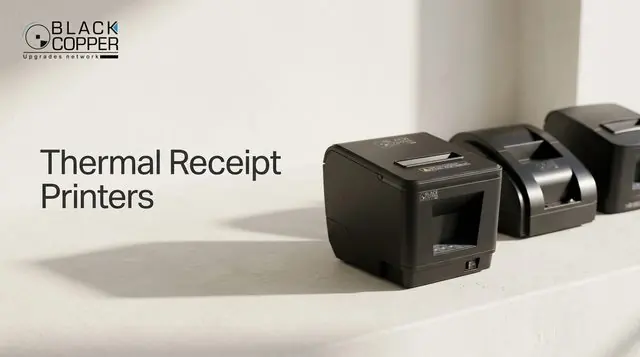
The receipt printer is the most-used device on any counter. Choose the right paper width, connection and features once – and it will print reliably for years.
Step 1
58mm or 80mm paper?
Paper width decides how much fits on a receipt – and which paper rolls you re-order.
80mm – the retail standard
- 48 characters per line – logos, item names and taxes fit comfortably
- Used by supermarkets, restaurants and pharmacies
- Supports auto cutters and network models
58mm – compact and portable
- 32 characters per line – short receipts and tickets
- Small counters, kiosks and card terminals
- Popular for portable Bluetooth printers
Step 2 · Anatomy
What to look for inside.
 1
2
3
4
1
2
3
4
- 1Print speed220–260mm/s keeps queues moving at peak times.
- 2Auto cutterPartial or full cut – a must for busy counters and kitchens.
- 3Drop-in paper loadingClamshell design changes rolls in seconds.
- 4Cash drawer portRJ11 port opens the drawer automatically after each sale.
Step 3
Pick the right connection.
Step 4
Where will it print?
Checkout counter
80mm USB printer with auto cutter, connected to the cash drawer.
Restaurant kitchen
80mm LAN printer – orders print straight from the POS to each station.
Kitchen with impact printing
A dot matrix printer prints on plain paper and copes with heat near grills.
Dot matrix printers ›On the move
Portable Bluetooth printers for deliveries, events and field sales.
Order matching thermal paper rolls and a spare power adapter or printhead for multi-store rollouts.
FAQ
Receipt printer questions
Do thermal printers need ink?
No. Thermal printers use heat-sensitive paper, so there is no ink, toner or ribbon to replace – only paper rolls.
Will it work with my POS software?
BlackCopper receipt printers support the ESC/POS command set used by most POS applications, with Windows drivers and OPOS support on many models.
How does the printer open the cash drawer?
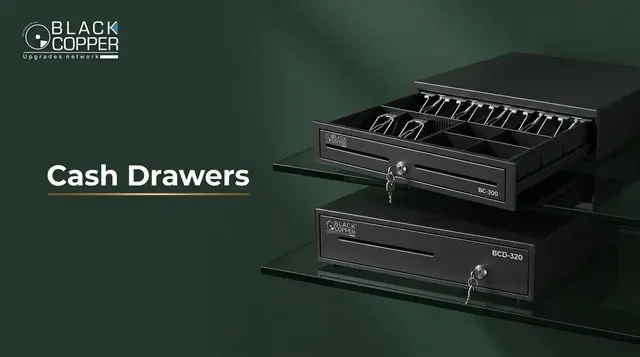
The cash drawer plugs into the printer’s RJ11 port. When the sale completes, the printer sends a pulse that opens the drawer.
Keep reading
More POS & Retail guides
Volume pricing
Printers for every counter.
Get distributor pricing on receipt printers, paper rolls and accessories in one quotation.
- 01Choose width58mm or 80mm
- 02Choose connectionUSB, LAN, WiFi or BT
- 03Get pricingPrinters and paper together