


Buying guide · POS & Retail
How to choose the right POS system.
A practical guide for retailers, resellers and integrators: pick the right screen setup, match the specifications to your software and build a complete checkout – terminal, scanner, printer and cash drawer – with BlackCopper.
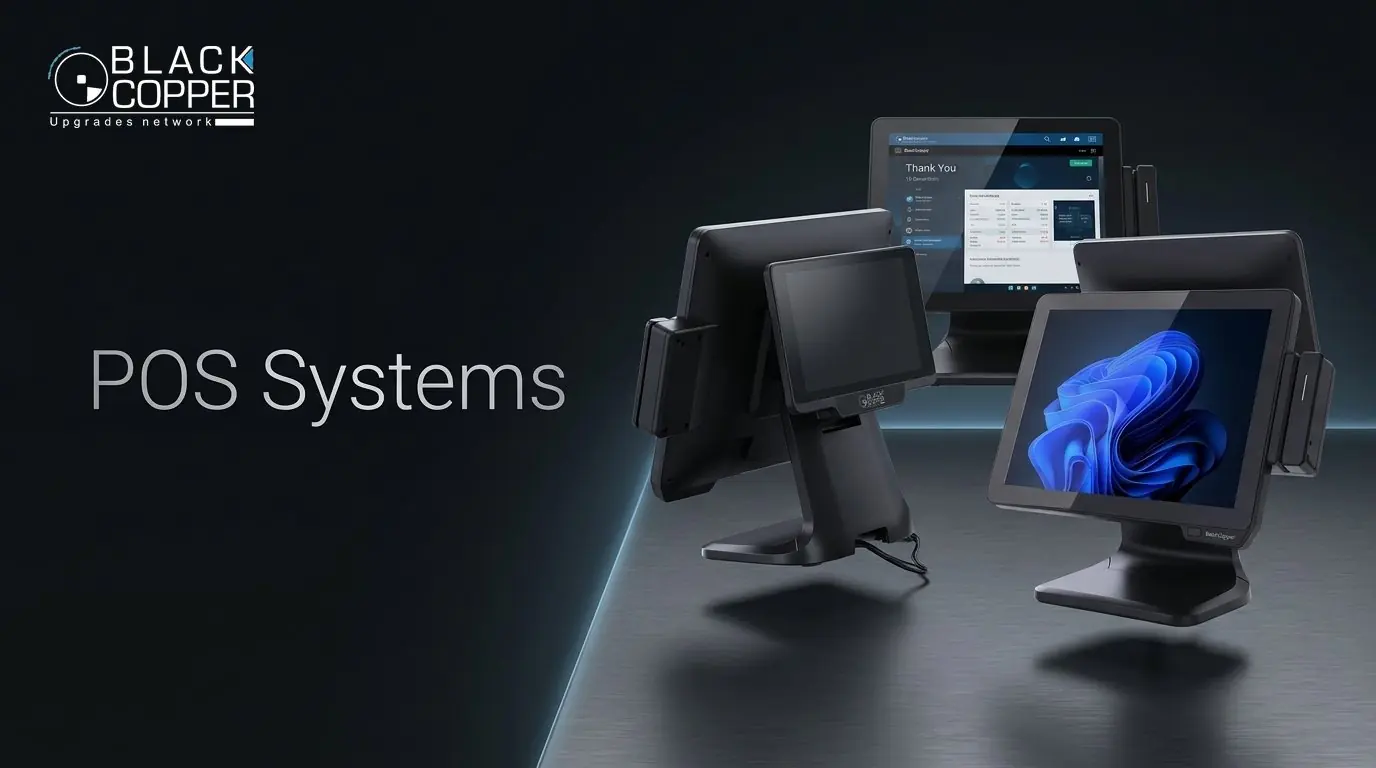
Screen setup
One screen or two?
Start with who needs to see the display during a sale – only the cashier, or the customer as well.
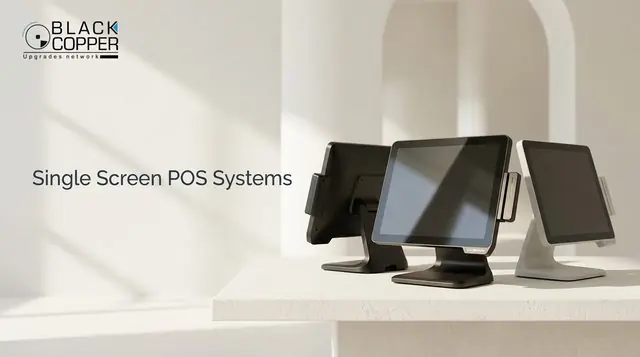 Single screen
A focused cashier station
One touch display for the operator. Compact, simple and cost-efficient for fast-moving counters.
Single screen
A focused cashier station
One touch display for the operator. Compact, simple and cost-efficient for fast-moving counters.
- Small shops and kiosks
- Quick-service counters
- Back-office and order entry
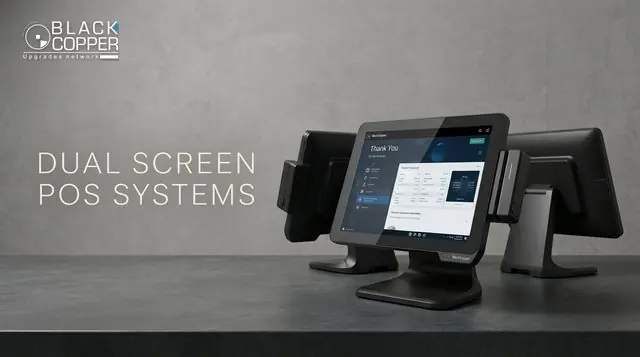 Dual screen
A view for your customer
A second, customer-facing display shows items, totals and promotions – building trust at checkout.
Dual screen
A view for your customer
A second, customer-facing display shows items, totals and promotions – building trust at checkout.
- Supermarkets and pharmacies
- Restaurants and cafés
- Stores running on-screen promotions
What’s inside
Match the hardware to your software.
Your POS application sets the minimum requirements. Check these six points before you choose a model.
Processor
Intel Core i5 (8th–12th Gen) keeps busy checkouts, inventory look-ups and reporting fast.
Touch display
15–15.6-inch capacitive, true-flat screens are easy to clean and respond to light, quick taps.
Memory & storage
8GB RAM with SSD storage gives quick start-up and smooth multitasking on modern POS software.
Ports
Count the USB, RS232 and LAN ports you need for scanners, printers, drawers and card readers.
Operating system
Confirm the operating system and drivers supported by your POS provider before ordering.
Finish & footprint
Black or white housings and a compact stand help the terminal fit your counter design.
Complete counter
Build the complete checkout.
A POS terminal is the centre of the counter. These BlackCopper peripherals complete it – all from one brand.
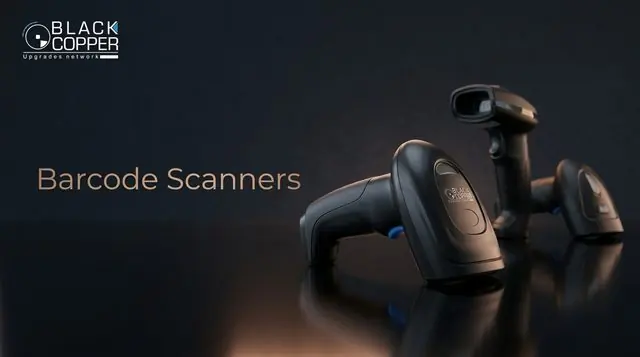 ScanBarcode scannersHandheld, wireless and presentation scanners for 1D, 2D and QR codes.
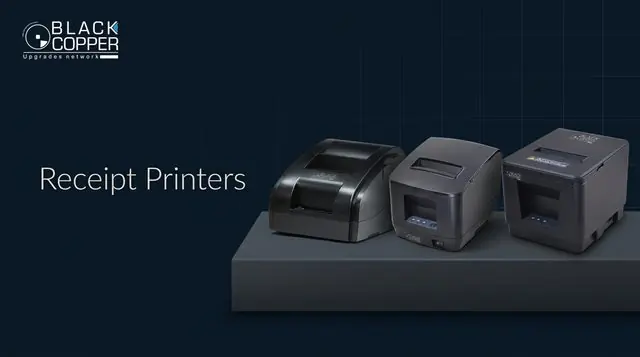 PrintReceipt printers
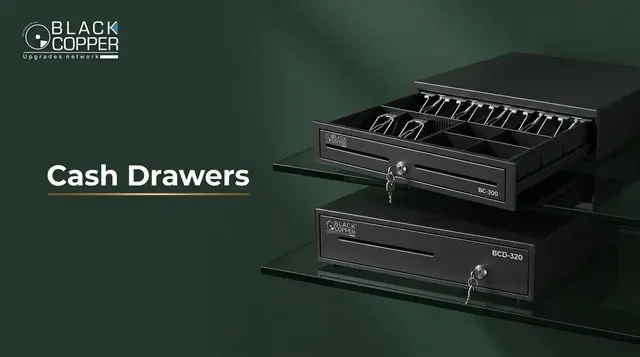 SecureCash drawers
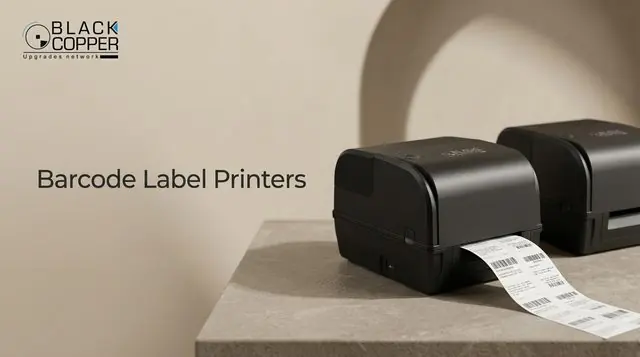 LabelLabel printers
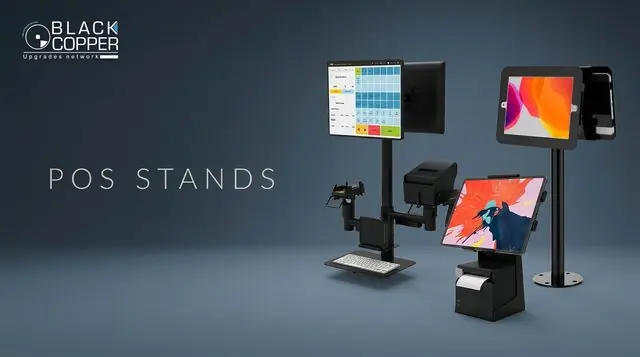 MountPOS stands
 SupplyThermal paper
Most cash drawers open through the receipt printer’s RJ11 port, so pair a drawer with a compatible receipt printer and check the solenoid voltage (usually 12V or 24V).
Compare models
Three popular configurations.
A quick side-by-side of best-selling BlackCopper POS systems. Open any model for full details.
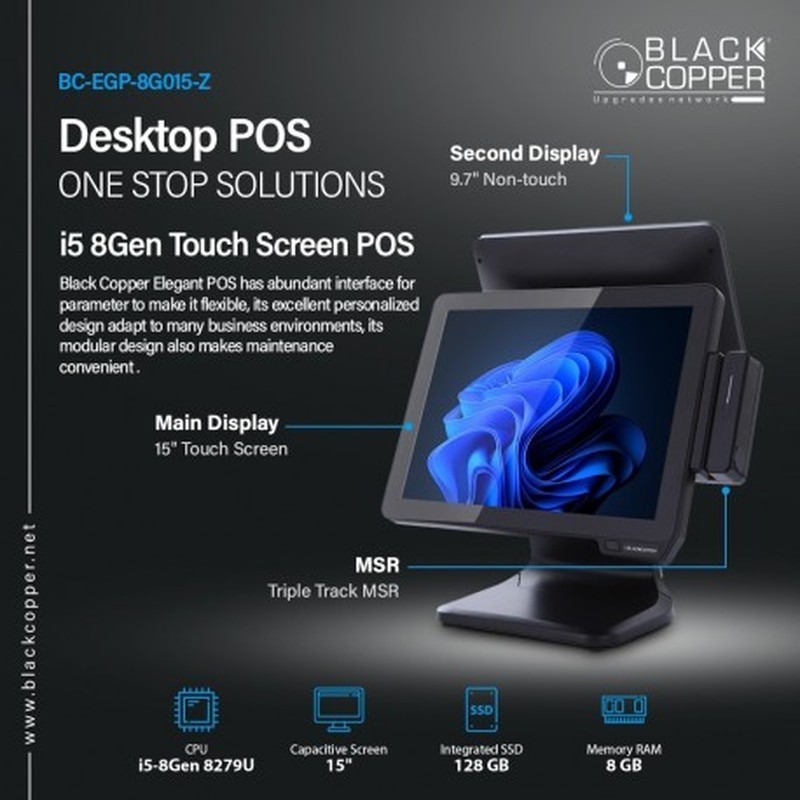 Single screen
BC-EGP-8G015-Z
- Display
- 15" touch
- Processor
- Intel Core 8th Gen
- Second display
- 9.7" non-touch
- Ports
- 6× USB, RS232, LAN
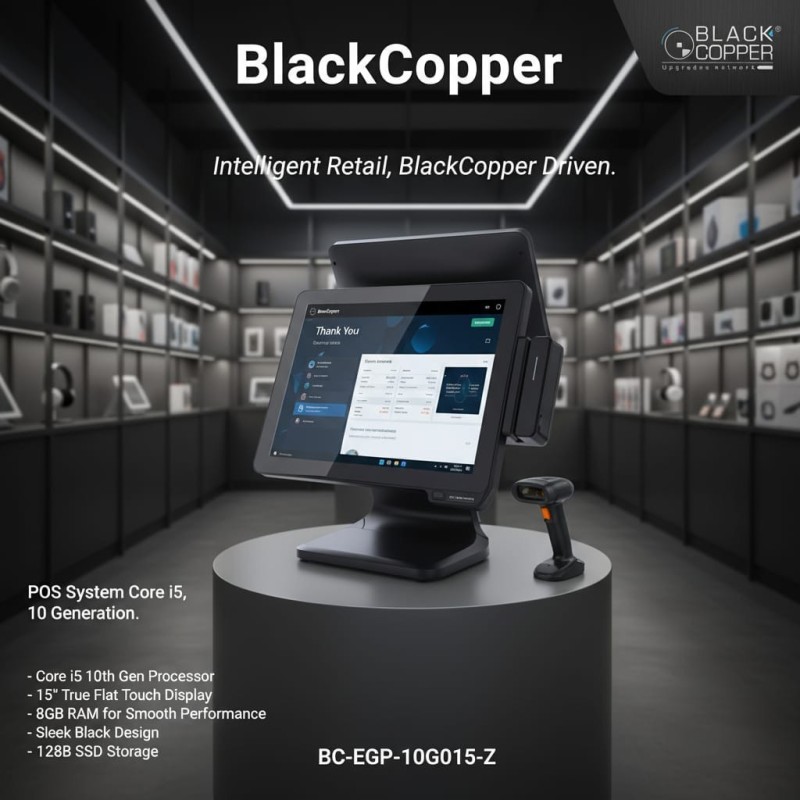 Customer display
BC-EGP-10G015-Z
- Display
- 15" true-flat touch
- Processor
- Core i5 10th Gen
- Second display
- 9.7" customer display
- Finish
- Black or white
 Dual touch
BC-EGP-10G015V-Z
- Display
- Dual 15.6" touch
- Processor
- Core i5 10th Gen
- Memory
- 8GB RAM
- Storage
- 128GB SSD
By business type
Recommended setups.
Starting points our partners use most often. Adjust quantities to the number of checkouts.
Retail store
- Single-screen POS
- Handheld 2D scanner
- 80mm USB receipt printer
- Metal cash drawer
Supermarket
- Dual-screen POS
- Presentation scanner
- 80mm network printer
- Heavy-duty cash drawer
- Label printer for shelf tags
Restaurant & café
- Dual-screen POS
- 80mm network printer for the kitchen
- WiFi receipt printer at the counter
- Compact cash drawer
Pharmacy
- Customer-display POS
- 2D scanner for packaging codes
- 80mm receipt printer
- Label printer for dispensing labels
Before you order
Your 4-point checklist.
- 01Choose the screen arrangementSingle screen, customer display or dual touch.
- 02Match the specifications to your softwareProcessor, memory, storage and operating system.
- 03Confirm peripheral connectionsUSB, RS232 and LAN for scanners, printers and drawers.
- 04Plan quantities and rolloutShare store count and destination for a project quotation.
FAQ
POS buying questions
Which POS software works with BlackCopper terminals?
BlackCopper POS systems are standard Intel-based terminals, so they run most Windows-based POS applications. Always confirm the operating system and driver requirements with your software provider.
Do I need a dual-screen POS?
Choose dual screen when customers should see items, totals or promotions during checkout – common in supermarkets, pharmacies and restaurants. Single screen is ideal for compact counters.
Can I buy a complete counter package?
Yes. Partners regularly order POS terminals together with scanners, receipt printers, cash drawers, stands and paper rolls as one project quotation.
How do I get distributor pricing?
Send your company details, the models you need and quantities through our contact page. Our partner team replies within one business day.
Planning a POS project?
Let’s plan your checkout.
Share your business type, number of counters, screen preference and peripherals – we’ll send a tailored quotation.
- 01Tell us your setupBusiness type and counters
- 02Get a quotationTiered project pricing
- 03DeployConsolidated dispatch
Keep reading
More POS & Retail guides
Specifications and availability can change. Please refer to each product page and your confirmed quotation for final details.