


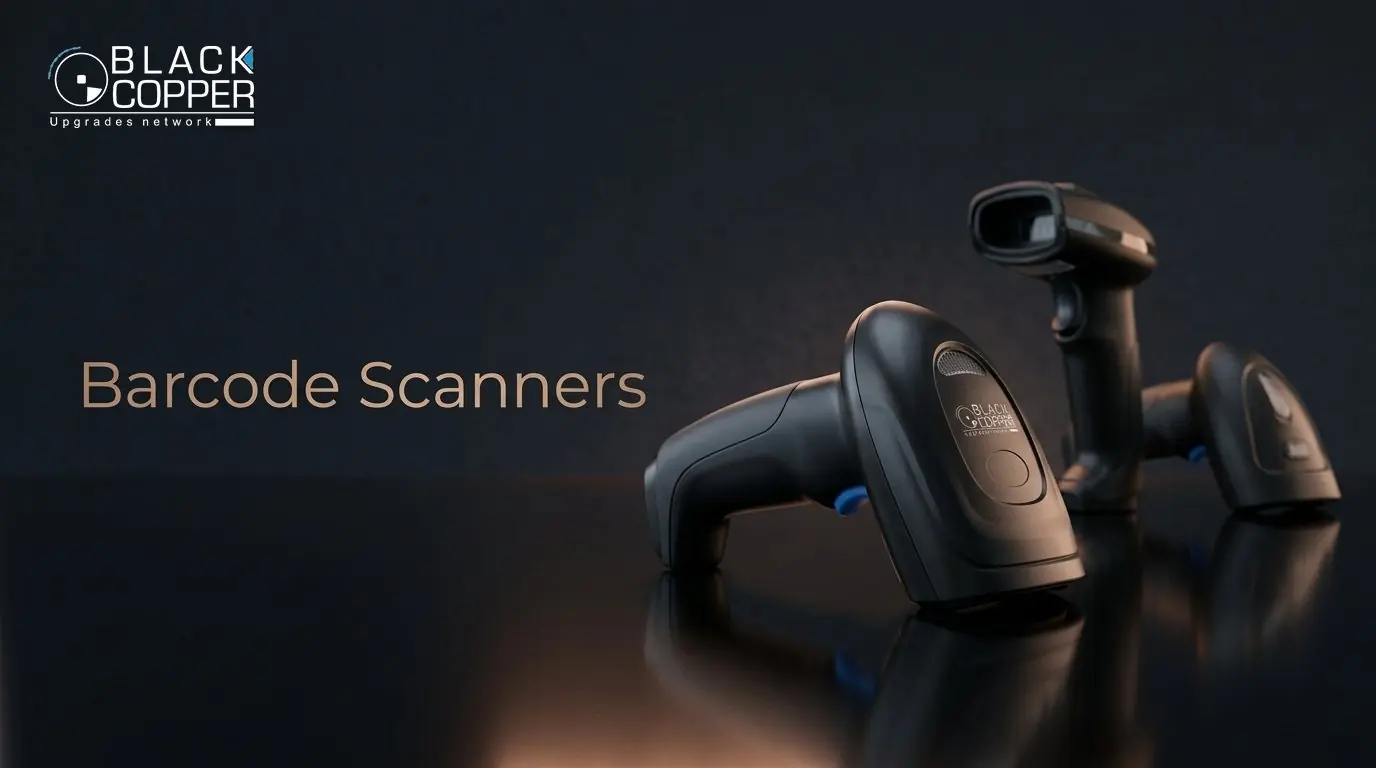
Buying guide · Barcode scanners
Scan smarter.
Choose the right scanner in 60 seconds.
Not every barcode scanner reads every code. Use this guide to match the scanner type, connection and form factor to the codes you scan and the way your team works.
Scanner finder
Answer three questions.
1What do you scan?
2How does your team scan?
3How should it connect?
 Recommended for youView the range →
The big decision
1D laser or 2D imager?
The code type decides the scanner type. If you are unsure, choose 2D – it reads both.
1D laser
Reads traditional linear barcodes (EAN, UPC, Code 128) printed on paper and packaging.
- Lowest cost per checkout
- Very fast on clean printed labels
- Cannot read QR codes or phone screens
2D imager
Captures an image of the code, so it reads 1D barcodes, QR codes, Data Matrix and codes on screens.
- Reads mobile coupons and payments
- Handles damaged or poorly printed labels
- Required for pharmacy and GS1 DataMatrix
At a glance
Compare every scanner type.
| Type | Reads QR / screens | Cable-free | Hands-free | Best for | |
|---|---|---|---|---|---|
| 1D laser | Small shops, printed labels | View › | |||
| 2D handheld | Retail, pharmacy, coupons | View › | |||
| Bluetooth | Mobile POS, tablets | View › | |||
| 2.4G wireless | Stockrooms, large items | View › | |||
| Presentation | Supermarkets, high volume | View › | |||
| Industrial fixed | Conveyors, production | View › |
Yes Model dependent No
Check the interface
Most POS software accepts a USB scanner as a keyboard (HID) – plug and play, no driver required.
Think about range
Bluetooth suits a phone or tablet nearby; 2.4G wireless gives longer, more stable range to a PC.
Add a stand
A stand turns many handheld scanners into hands-free presentation scanners at the counter.
Plan for volume
Order spare scanners for multi-lane stores so a checkout never stops.
FAQ
Scanner questions
Can a 2D scanner read normal barcodes?
Yes. 2D imagers read all common 1D barcodes as well as QR codes and Data Matrix, which is why they are the safest long-term choice.
Can a scanner read codes from a phone screen?
Only 2D imagers can reliably read codes displayed on phone and tablet screens. 1D laser scanners cannot.
Do I need drivers?
Usually not. BlackCopper USB and wireless scanners work as keyboard input, so they type the scanned code into any application.
Keep reading
More POS & Retail guides
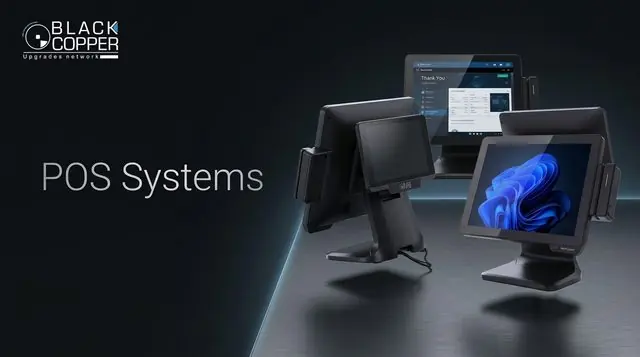
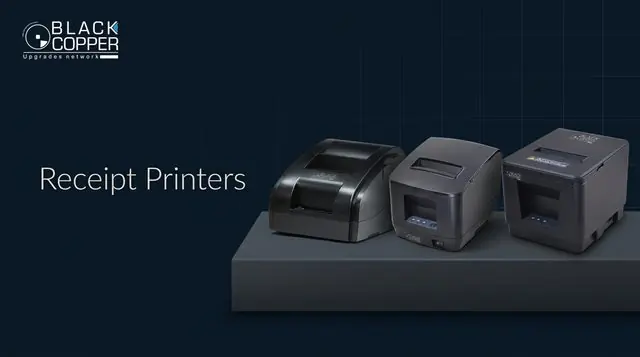
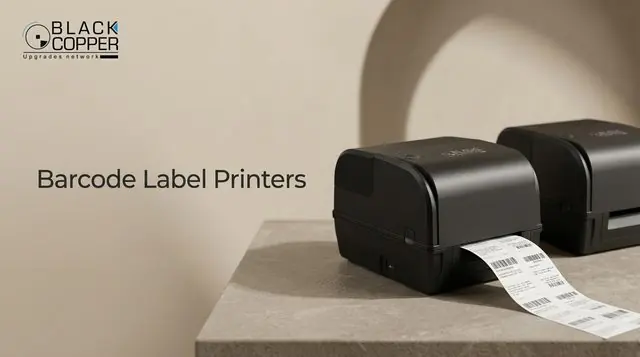
Volume pricing
Equipping several checkouts?
Tell us the scanner type and quantity – we’ll quote distributor pricing for the complete range.
- 01Choose the typeUse the finder above
- 02Share quantitiesPer store or project
- 03Get pricingWithin one business day