


Buying guide · Cash drawers
5 checks before you buy a cash drawer.
A cash drawer should fit the counter, hold your currency mix and open reliably on every sale. Here is everything to check before you choose.
-
01
Choose the size for your counter
Measure the space under the counter. Drawers come in three families:
-
02
Match compartments to your currency
Count the notes and coins you handle daily. Common layouts:
4 / 4bill / coinSmall shops5 / 8bill / coinMost retail & restaurants6 / 3bill / coinNote-heavy markets8 / 4bill / coinHigh-volume checkoutsA removable tray makes end-of-day cash counting and shift changes faster.
-
03
Confirm the connection
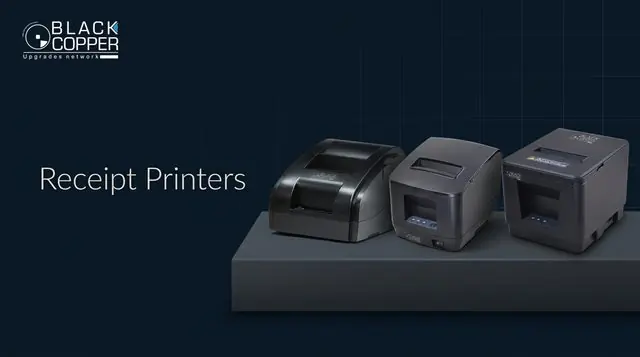
POSSale completed→Receipt printerSends pulse→RJ11 cablePrinter-driven→Drawer opensAutomaticallyAlmost every BlackCopper drawer is printer-driven: it plugs into the receipt printer’s RJ11 port, so you need a compatible receipt printer.
-
04
Check the solenoid voltage
Most receipt printers drive a 24V drawer pulse; many drawers use 12V or 24V solenoids. Match the drawer to the printer’s output to avoid a drawer that will not open.
TipNot sure? Send us your printer model with your enquiry – our team will confirm a compatible drawer.
-
05
Look at security and build
- 3-position key lock – locked, online and open
- Cold-rolled steel body for heavy-duty use
- Media slots for cheques and card slips
- Ball-bearing slides for smooth, quiet opening
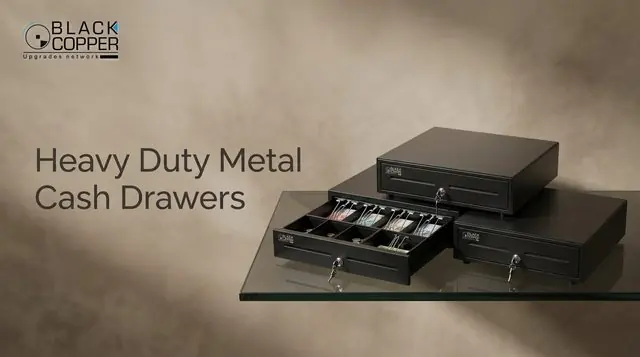 Heavy duty405–460mm wide · steel
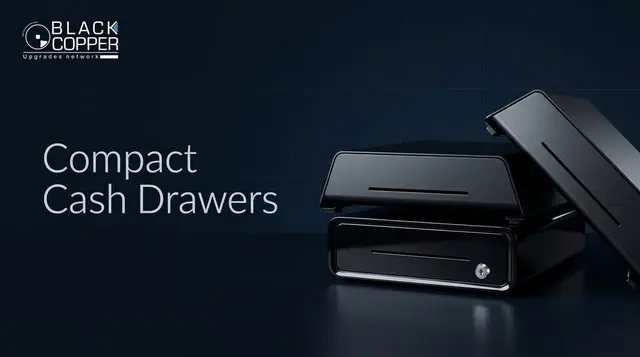 CompactSmall counters and kiosks
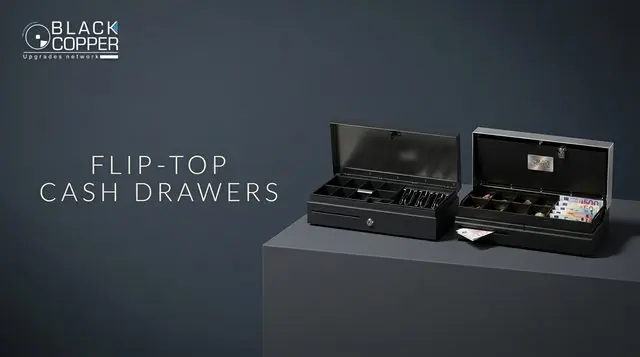 Flip-topLid opens upwards – tight spaces
FAQ
Cash drawer questions
Can a cash drawer connect directly to a PC?
Standard drawers are printer-driven through RJ11. If your setup has no receipt printer, ask us about USB trigger options.
Will the tray fit my local currency?
Choose the bill/coin layout that matches your notes and coins. Adjustable dividers on many models let you fine-tune the coin section.
Can I order drawers with printers as a bundle?
Yes – partners usually quote drawers, receipt printers and POS terminals together so every component is matched.
Keep reading
More POS & Retail guides
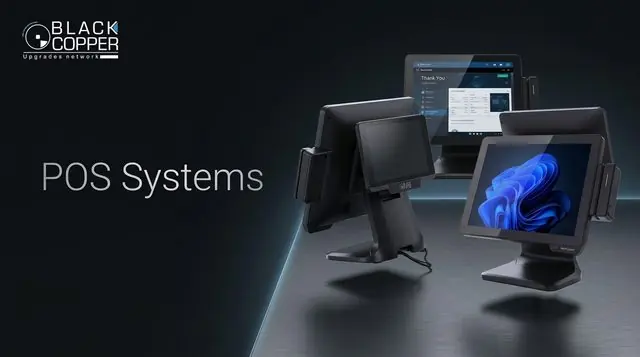

Volume pricing
Drawers for every checkout.
Distributor pricing on heavy-duty, compact, flip-top and plastic cash drawers.
- 01Size & layoutCounter and currency
- 02Printer matchRJ11 and voltage
- 03Get pricingDrawers and printers together